

A series repeats a meeting on a schedule, such as a weekly planning session or a daily standup call.
Create a series
On the Recurring tab, select the create button. The dialog has two steps: Basics and Repeat.
Basics
Title, project, board, attendees, meeting URL, agenda and email reminder, as for a single meeting, plus:
| Field | Required | Details |
|---|---|---|
| First occurrence | Required | The date and start time of the first meeting. |
| Duration (minutes) | Required | 5 to 720. |
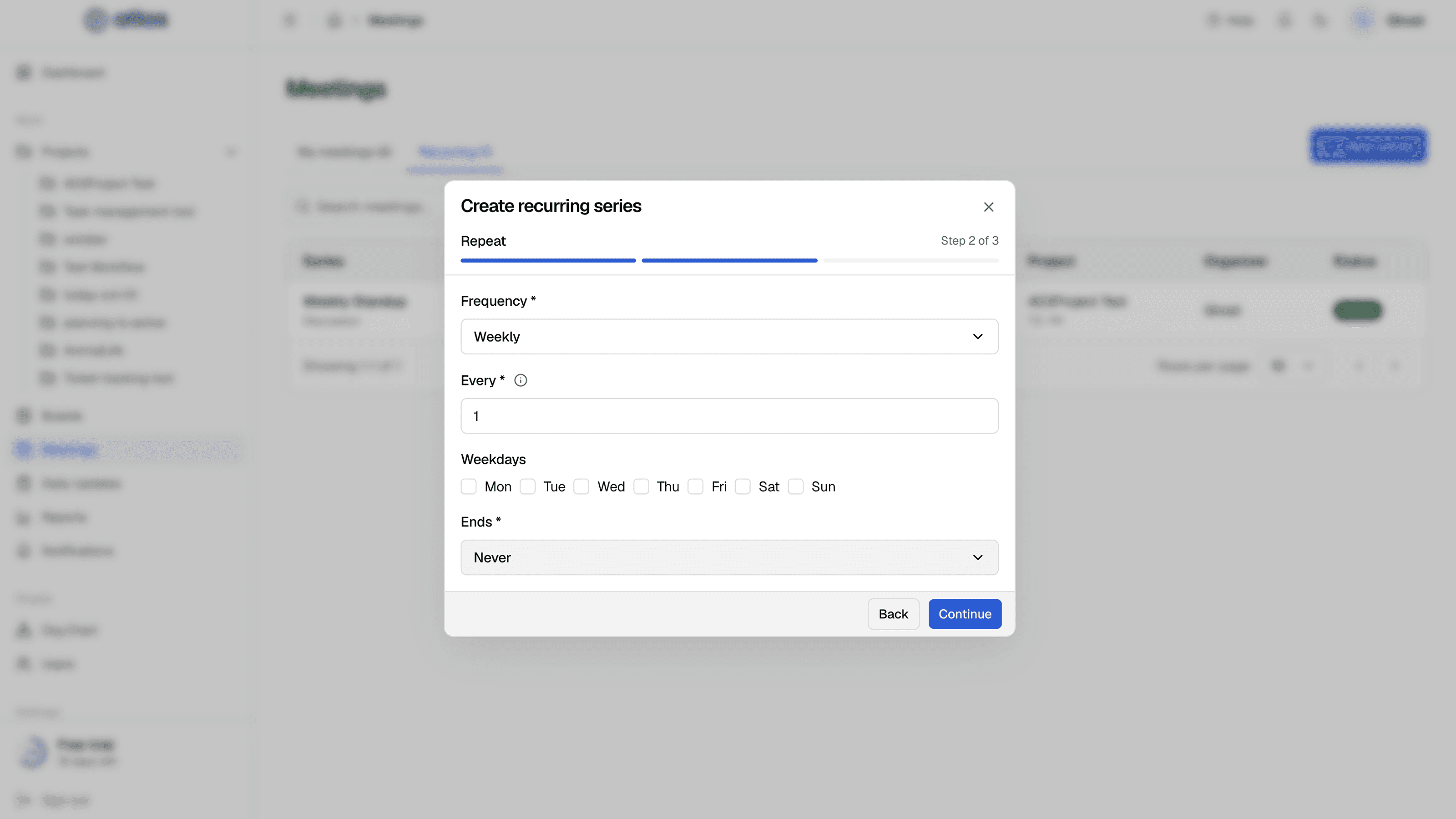
Repeat
| Field | Required | Details |
|---|---|---|
| Frequency | Required | Daily, Weekly or Monthly. |
| Every | Required | Every 1 to 30 days, weeks or months. |
| Weekdays | Optional | Weekly only: one or more of Mon to Sun. |
| Day of month | Optional | Monthly only. Or choose Use last day of month. |
| Ends | Required | Never, On date (an end date), or After occurrences (up to 500). |
Atlas creates upcoming occurrences automatically each night.
Edit a series
Edit recurring series has three steps: Basics, Repeat and Options. Changes apply to future occurrences only. Past meetings, and changes you made to individual occurrences, are kept.
Change one occurrence
Open an occurrence to edit it on its own (Edit occurrence), or use Edit occurrence attendees to change who's invited to just that meeting.
Cancel a series
Choose Cancel series and confirm ("Cancel this recurring series?"). Future occurrences are cancelled.
Series statuses
| Status | Meaning |
|---|---|
| Active | Still generating occurrences. |
| Completed | Reached its end date or occurrence count. |
| Cancelled | Stopped early. |