

Meetings belong to a project, and optionally to one of its boards. Admins and Leads can schedule them; everyone can see the meetings they're invited to.
The Meetings page
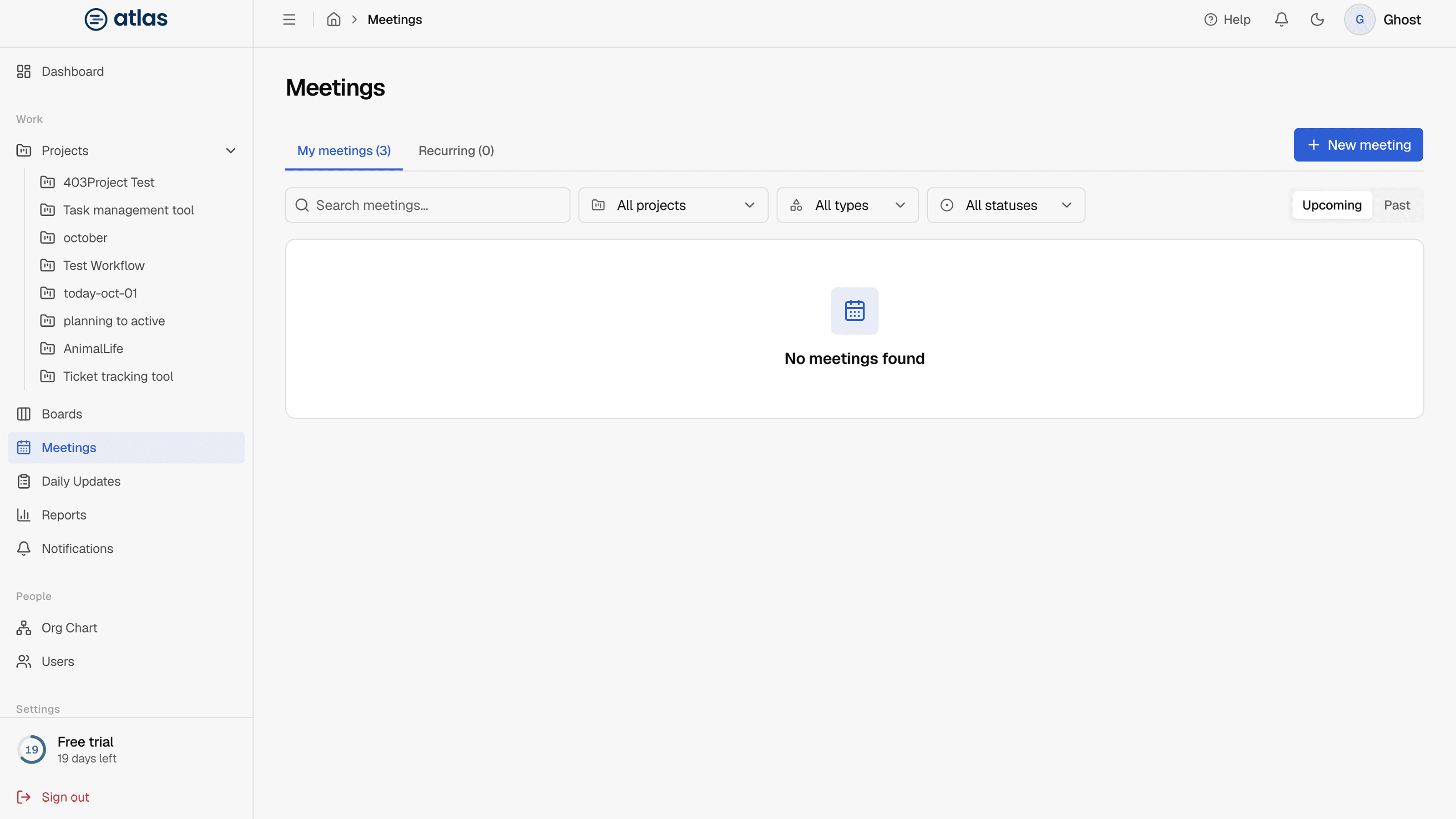
SidebarMeetings has two tabs:
- My meetings: individual meetings, with Upcoming and Past toggles, search, and filters for Project, Type (Normal or Recurring) and Status (Scheduled, Completed, Cancelled). Columns: Day, Meeting, Project, Time, Organizer, Status, Type and Actions.
- Recurring: your meeting series. See Recurring meeting series.
Create a meeting
- 1
Select + New meeting on the My meetings tab
- 2
Fill in the details
"Schedule a project meeting and add attendees from that project."
- 3
Create
Attendees are notified in Atlas and by email.
| Field | Required | Details |
|---|---|---|
| Title | Required | Up to 160 characters. |
| Project | Required | The project the meeting is for. |
| Board | Optional | Project-wide (the default) or a single board. |
| Date | Required | The start must be in the future. |
| Start time / End time | Required | Same day; the end must be after the start. |
| Attendees | Required | Up to 100 people, chosen from the project manager and the project's team. |
| Email reminder | Optional | None, 15, 30 or 60 minutes before. |
| Meeting URL | Optional | A video-call link. It's shown only to attendees. |
| Agenda | Optional | Up to 5,000 characters. |
You can also schedule meetings from a project's Meetings section.