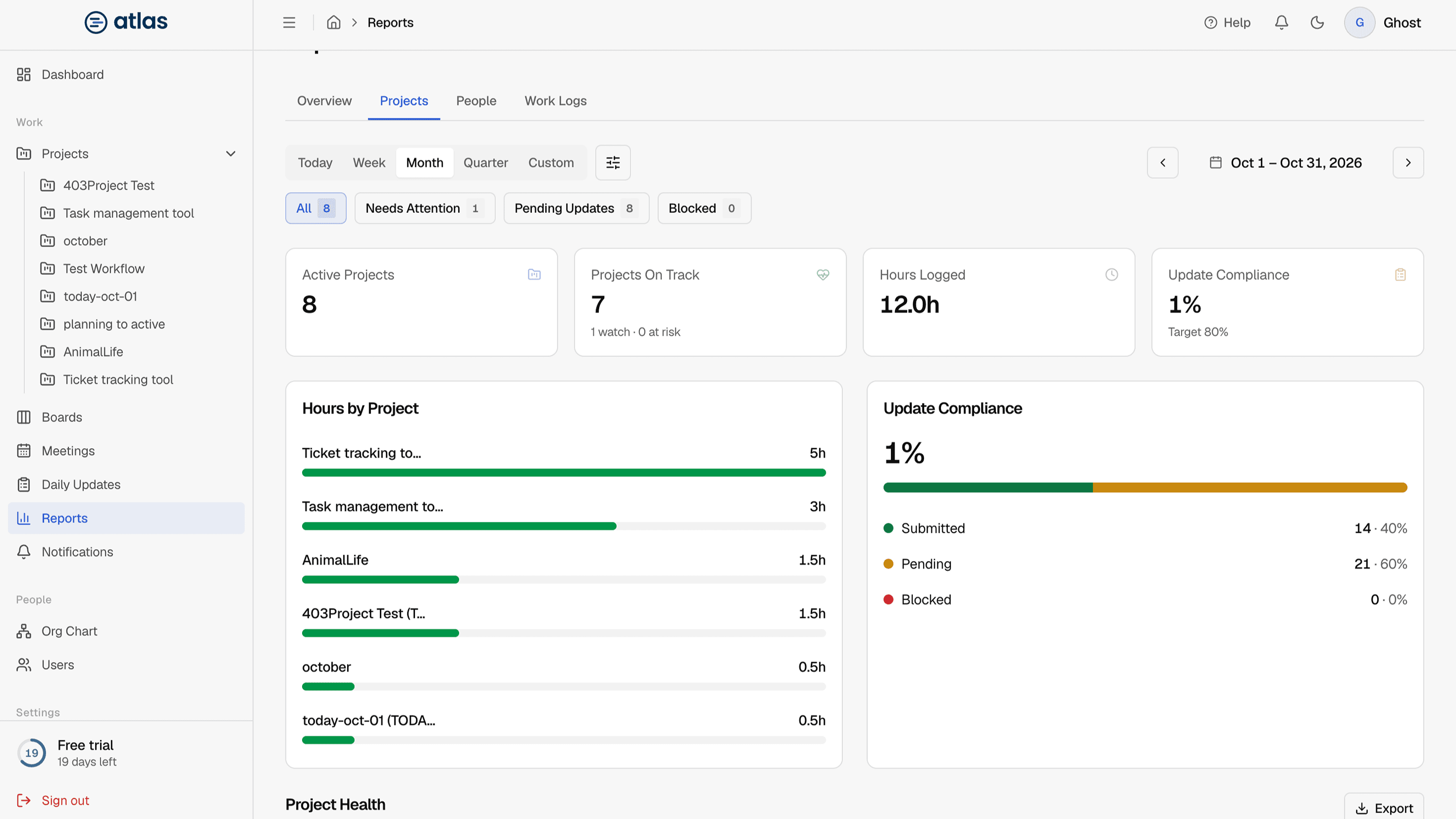
SidebarReports brings together hours, progress, daily-update compliance and project health. The tabs you see depend on your role.
Tabs by role
| Tab | Admin | Lead | Member |
|---|---|---|---|
| Overview | Yes | No | No |
| Projects (opens by default) | Yes | Yes | Yes |
| People | Yes | Yes | No |
| Work Logs | Yes | Yes | Yes |
Two more views, Pending and Blocked, open from the dashboard cards and the attention filters.
Choose a period
Pick Today, Week, Month (the default), Quarter or Custom for a date range of your own. Every tab uses the selected period.
Narrow the report
- Project and Board: limit the report to one project, or one board in it.
- Include archived boards: add data from archived boards.
- Deleted projects only: review projects that were deleted.
- Attention filters: All, Needs Attention, Pending Updates and Blocked.