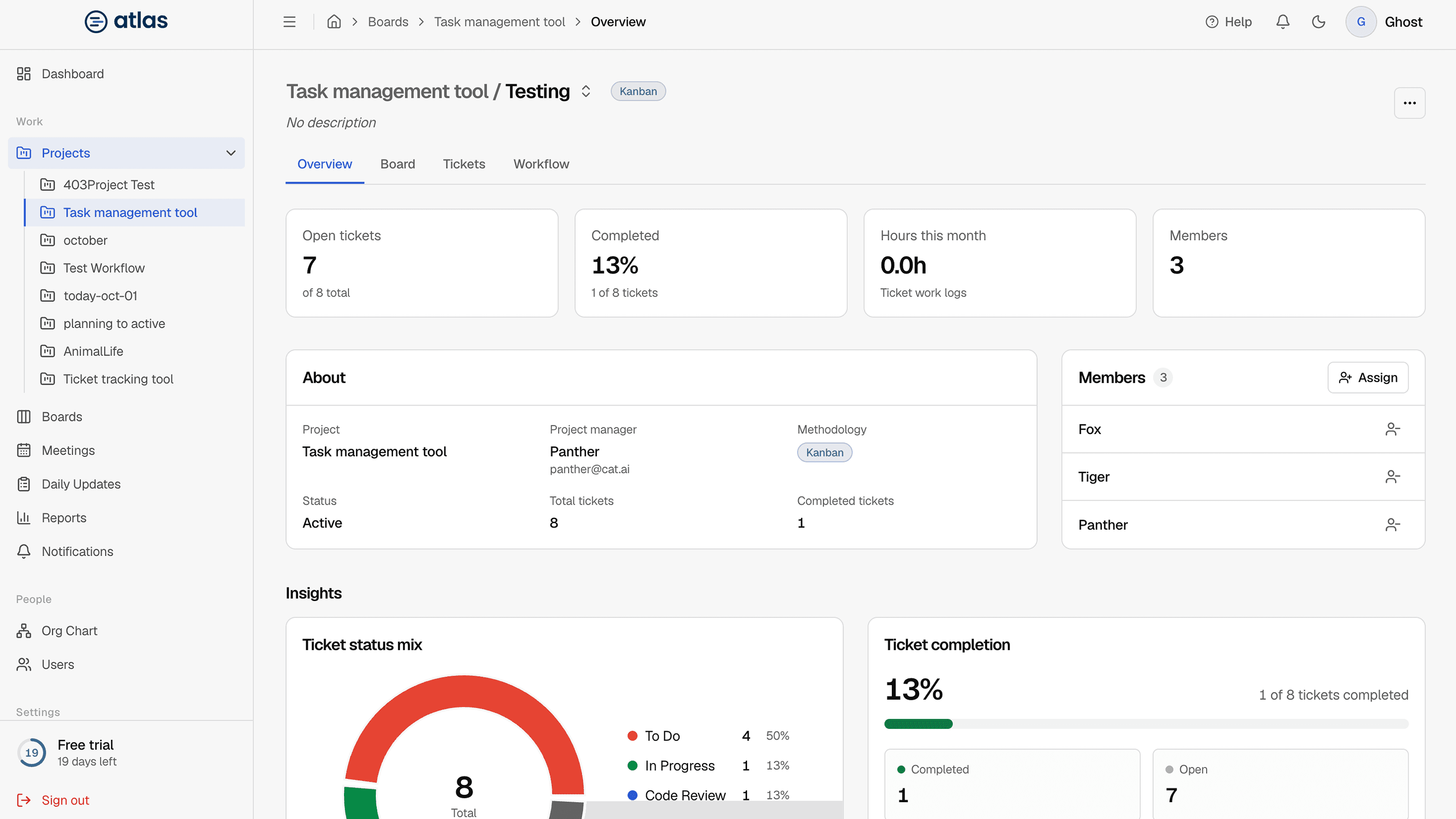
The Overview tab is the fastest way to check a board's health without opening the full board.
Key figures
| Card | Shows |
|---|---|
| Open Tickets | Tickets not in the completion stage. |
| Ticket Completion | The share of tickets that are done. |
| Members | Current board membership. |
| Status | Active or Archived. |
| Logged Hours | Hours from ticket work logs on this board this month. |
About this board and Board members
About this board lists the name, methodology, parent project, project lead, status and description. Edit and Open board sit at the top of the page. The Board members panel lists members and has an Assign button. See Board members.
Board Insights
- Ticket status mix: tickets per workflow stage.
- Ticket completion: done versus total.
- Workload by assignee: open tickets per person.
- Sprint progress (Scrum) or Kanban flow snapshot (Kanban).
Insights read "No data available" until the board has tickets.