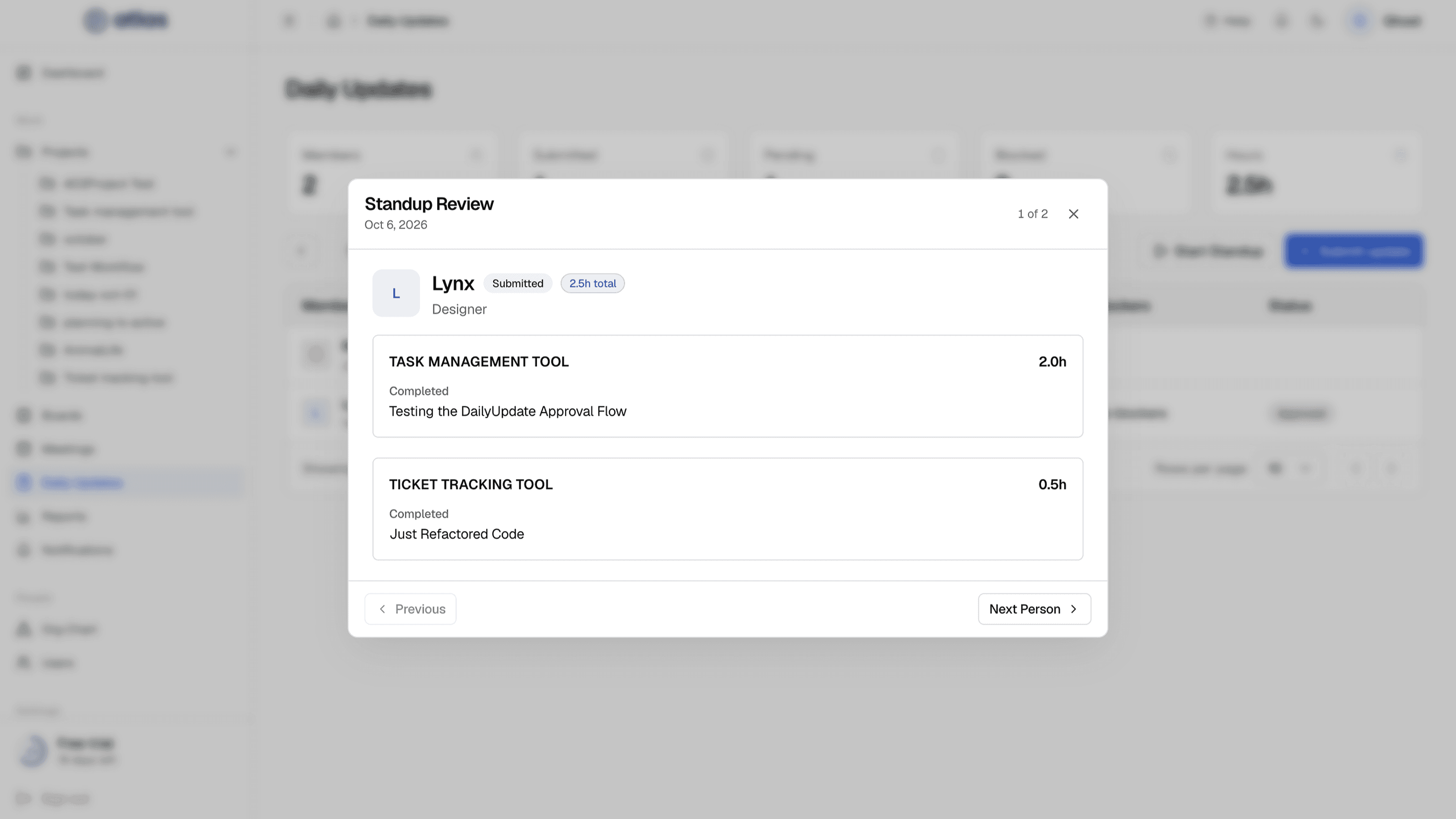
Standup Review presents the team's updates one person at a time, so a standup can start from facts that are already in Atlas. By default only Admins can run it.
Start a standup
- 1
Open Daily Updates and choose the date
- 2
Optionally filter by member or project
The review uses the people currently shown.
- 3
Select Start Standup
Standup Review opens full screen.
- 4
Work through the team
Use Previous and Next Person. The counter shows where you are, for example "3 of 8". Choose Exit standup mode when you're done.
Who comes first
People are ordered by urgency: Blocked first, then Submitted, then those with No update.
What each person's card shows
- A badge: No update, Submitted or Blocked. Also their designation.
- For each project: hours, Completed, Today (the plan) and Blockers.
- People who haven't submitted show "Awaiting submission".