

Atlas runs in your web browser. From the Atlas home page, choose Log in if your company already uses Atlas, or Get Started to create a company.
Sign in with email and password
- 1
Open the sign-in page
Go to the Atlas home page and select Log in.
- 2
Enter your work email and password
Use the eye icon in the password field to show or hide what you typed.
- 3
Choose whether to stay signed in
Check Remember Me to stay signed in on this browser for 60 days. Without it, your session ends after 1 day.
- 4
Select Sign In
Atlas opens your role's Dashboard.
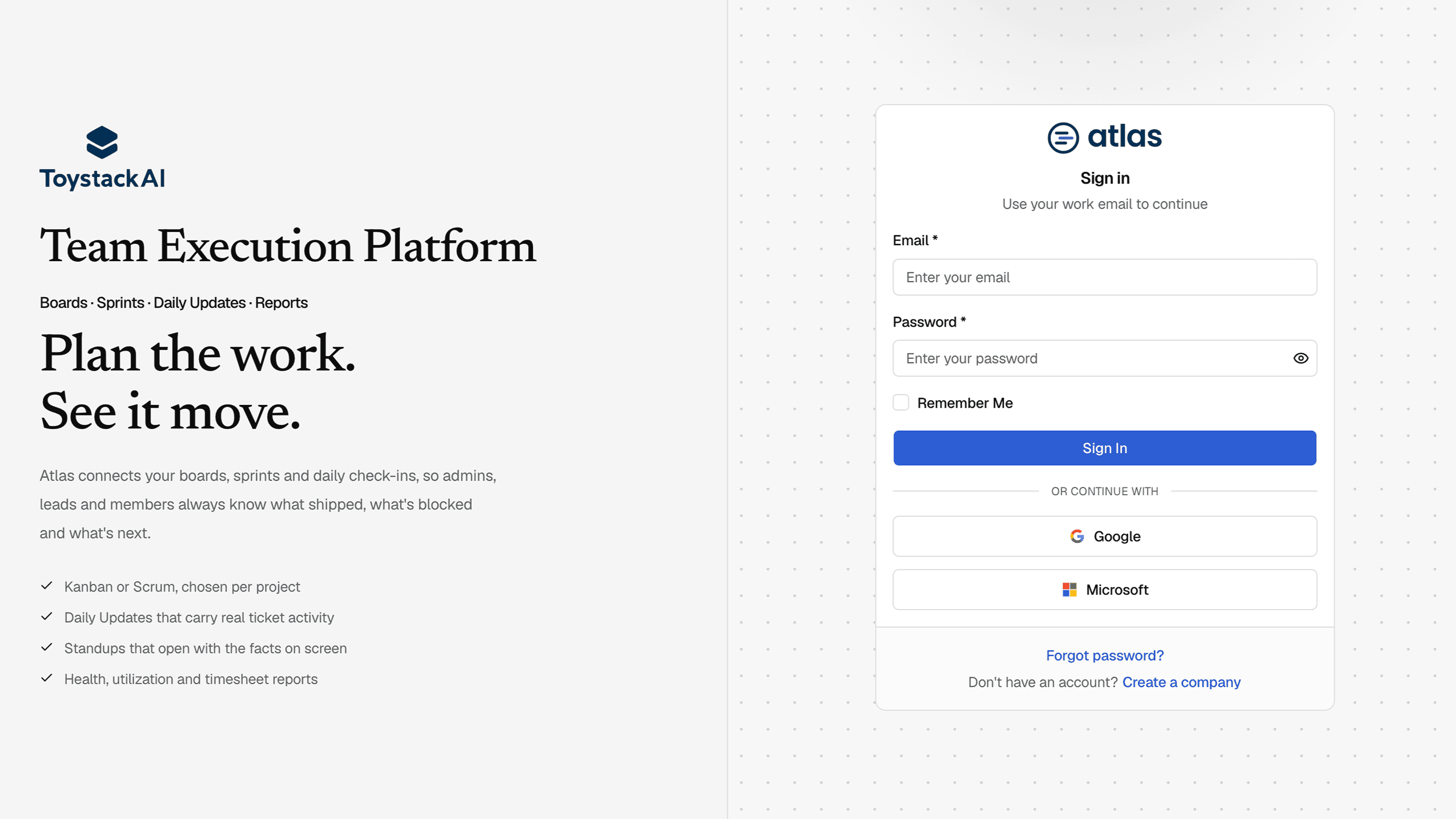
Sign in with Google or Microsoft
Select Google or Microsoft under Or continue with and complete the provider's sign-in. Use the same work email address your Atlas account was created or invited with.
Reset a forgotten password
- 1
Select Forgot password? on the sign-in page
- 2
Enter your work email and submit
Atlas emails you a reset link.
- 3
Open the link within 1 hour and choose a new password
Reset links expire after one hour. If yours has expired, request a new one.
Password rules
- At least 8 characters and no more than 120.
- At least one uppercase letter, one lowercase letter, one number and one special character.
Sign out
Select Sign out at the bottom of the sidebar, or open the avatar menu in the header and choose Sign out.